Free laser file: “Sweet Dreams Are Made of Cheese”
A cheese board design you can burn tonight. Get the picture free, and copy the exact settings we used to burn it on a 7 W diode laser.
2560 × 3840 px PNG, black and white. Free to burn for yourself and as gifts.
The picture, and the burn
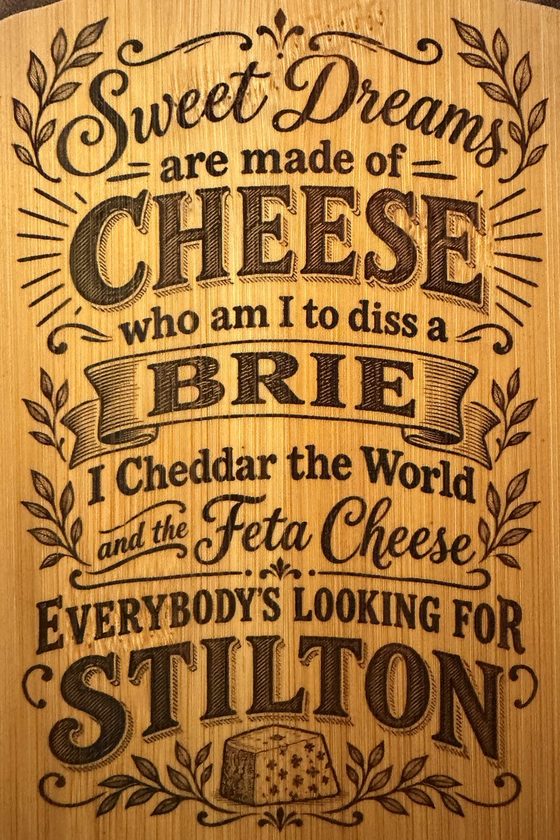
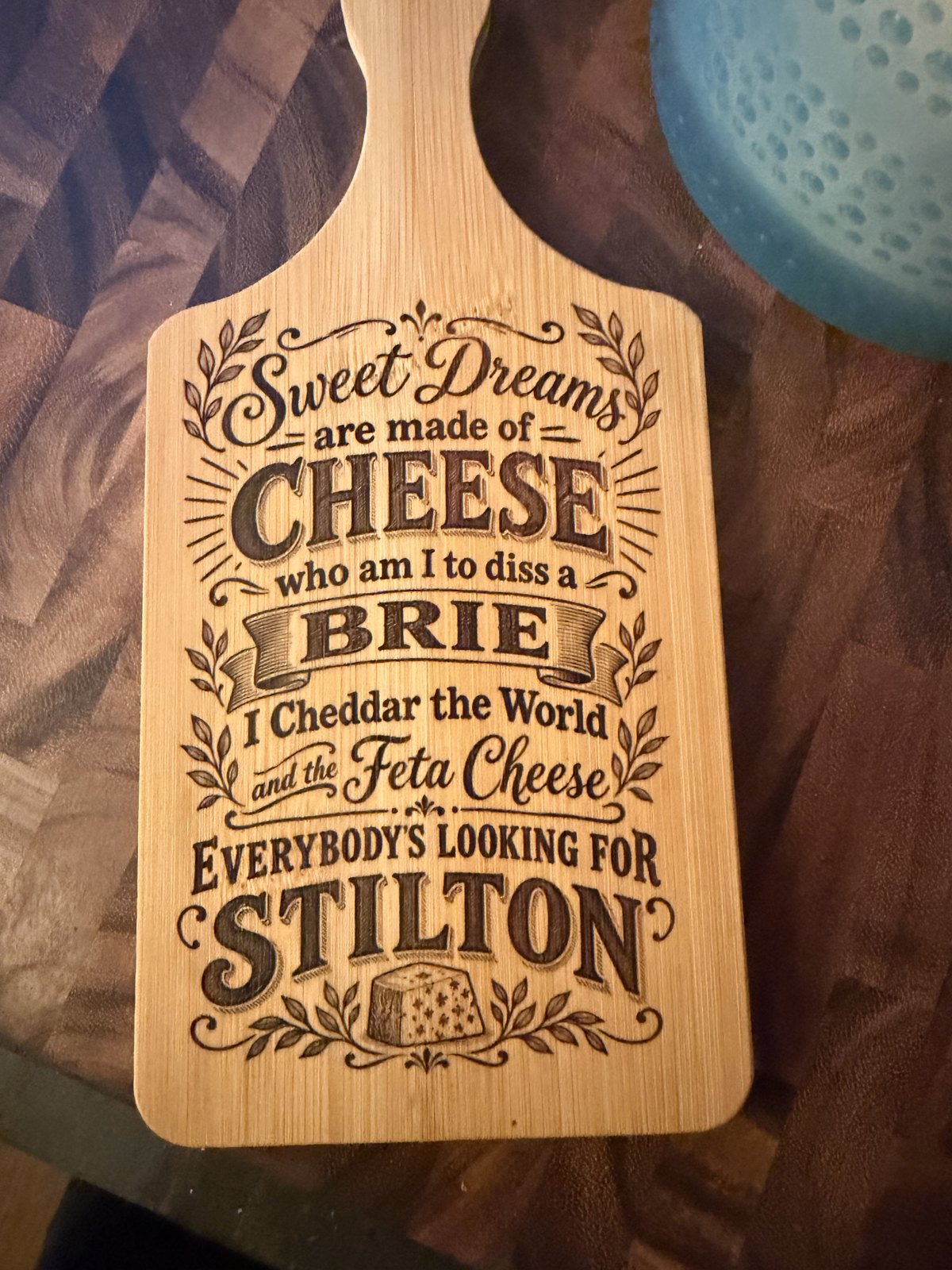
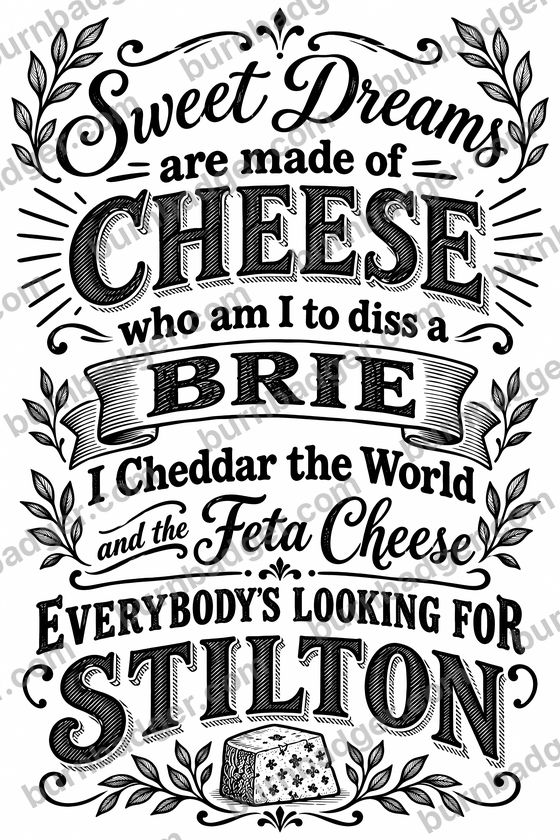 PictureBurned
Drag the line. The right side is a photo of the real board.
How we burned it
| Board | Bamboo cheese board, 5 × 7 in |
| Design size | 4.5 × 6.7 in (Fit to my material: 5 × 7 in, with a ⅛ in border) |
| Laser | Artilume T1, 7 W diode |
| Layer | Photo: 60% power, 3000 mm/min, 1 pass, Normal detail |
| Picture | Make it laser-ready on (dithered) |
Every laser and board burns a little differently. Burn a small test on the back or a scrap first.
Burn it in BurnBadger
- Download BurnBadger (free, Windows and Mac) and connect your laser.
- Click Photo or file and pick the PNG.
- Click Fit to my material, type 5 × 7 in, and click Fit.
- Turn on Make it laser-ready and check the burn preview.
- Set the Photo layer to 60% and 3000 mm/min, frame it on the board, and burn.
Burning pictures like this one is part of BurnBadger Pro ($59 once, no subscription). The free version lets you preview it on the board first. The PNG works in any laser software too.